IconWizard: AI-Powered app Icon Generator
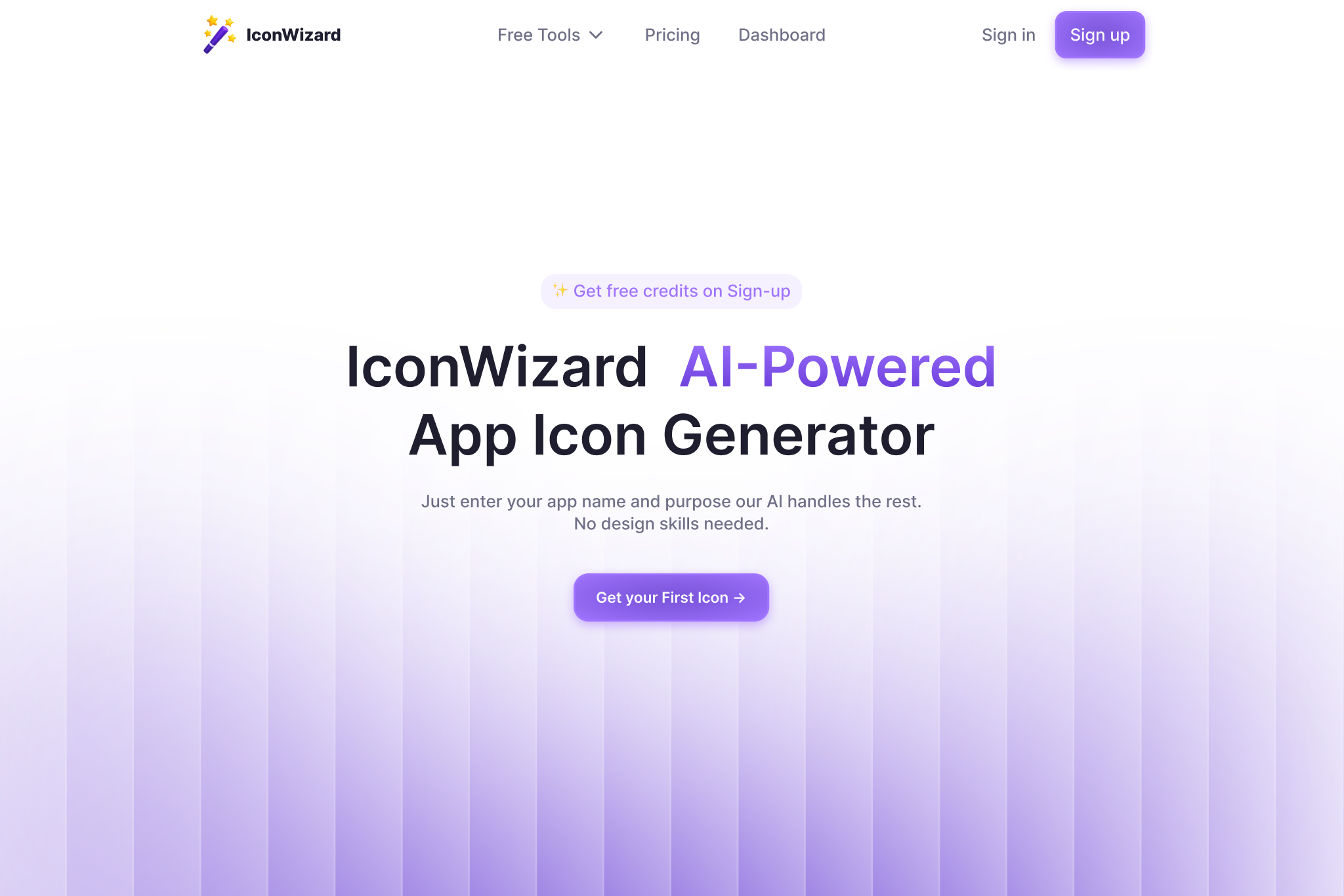
Welcome to IconWizard
Want to create professional-looking app icons in only a few moments? Meet IconWizard — your go-to AI-powered icon generator that helps developers, designers, and creators craft custom app icons in seconds.
Today, we will introduce IconWizard, show you how it functions, and explain why it’s the top choice for those who want to create a striking app icon with no trouble or excess cost.
What does IconWizard do?
IconWizard is a cutting-edge AI app icon generator that allows users to create stunning, professional-quality icons by simply entering a few prompts.
Whether you're creating a mobile app, starting a business, or building a project for personal use, IconWizard allows you to have your app's identity ready immediately.
Without prior knowledge of design, people can easily create their own unique icons for their app by specifying its name, what it does, and what style it has
How IconWizard works?
Let me show you how to use IconWizard to design your app icon:
1. Give Basic Information
Specify the app’s name, write its description, and choose the industry from the list.
2. Choose How Your Icons Should Look
You can use designs like:
- Flat
- 3D
- Gradient
- Minimal
- Pixel
- Neon
3. AI-Prompt ideas
After Specifying the app’s name, write its description, and click the AI-Prompt ideas button and AI will generate the Icon ideas for you.
4. Generate & Download
With IconWizard, everything is completed for you and a high-res icon is downloaded.
Key Aspects
✅ Automated Icons Creation with AI
Generate icons fast by using the AI suggestions it provides for various sectors and styles.
✅ Turn Image into a Beautiful Icon
Put in any sketch or reference image you have and IconWizard will use AI to make it into a fully polished icon.
✅ Varied Forms and Messages
Choose from:
- Clear and simple symbol icons
- Contemporary icons with lots of shading
- 3D icons
- Pixel art
- Neon glow
- Clay-style illustrations
- and more.
You should use the results of this test to determine how to use and structure your images. Take any image and rely on the system for an accurate prompt for image-to-icon conversion.
(Coming Soon)
Use our mockup generator to view your icon the way it will appear in the store, on mobiles, or package design
Which Users Should Try IconWizard?
If you’re looking for a tool that does these exact things, IconWizard is a great option.
- Startups & Indie Makers:Set up a clear brand image even if you do not hire a designer.
- UX/UI Designers:Streamline the generation of new ideas and change icons.
- Marketers & Content CreatorsCreate visually impressive materials for a product or brand’s launch.
Are you in a hurry to design an app icon?
Pass over Figma and Photoshop when making your mock-ups.
Why IconWizard Over Others?
Thanks to AI and unique prompts, IconWizard gives you original icons that adjust to your app’s style instead of just offering the same designs many times over.
You get to combine AI image creation and real-time design tips — which helps you create in a quick, well-controlled way.
Final Thoughts
If you don’t like the usual icons and want to put less effort into design, IconWizard will make your brand stand out.
You can build an icon fast, fully customize it, and get great results even without any design training.